Scientific Calculators
Published: 15 November 2026 · Updated: 15 November 2026
Scientific calculators handle the functions of science and engineering — trig, logs, exponentials, powers and roots — with the degree/radian choice that decides whether trig answers are right. The free tools below cover the full scientific function set in your browser, with the expression and mode always visible.
Check the mode, then trust the answer. Degrees for geometry, radians for calculus and graphs. The scientific tool shows its mode beside every result, so a wrong-mode answer is caught at once.
Researched by MixKhazana Team · Last updated 15 November 2026 · Data: OpenStax Calculus (LibreTexts); College Board AP calculator policy
What is a scientific calculator?
A scientific calculator evaluates the functions of science and engineering: trigonometry, logarithms, exponentials, powers, roots and factorials, with brackets and correct order of operations. It is the standard issue for physics, chemistry, biology and engineering courses, and the College Board allows a scientific (nongraphing) calculator for AP Biology, Chemistry, Environmental Science and Physics. Unlike a basic four-function calculator, it answers questions like “what angle has a sine of 0.5?” and “how long until this sample decays to a tenth?” — the questions science actually asks.
Engineering students live on the same functions: trig for forces and waves, logs for scales and growth, exponentials for circuits and heat, powers and roots for geometry and materials. This category's tools cover all of them, with the degree/radian choice shown beside every answer — because the wrong angle mode is the single most common source of wrong answers in trig homework.
Tools in this category
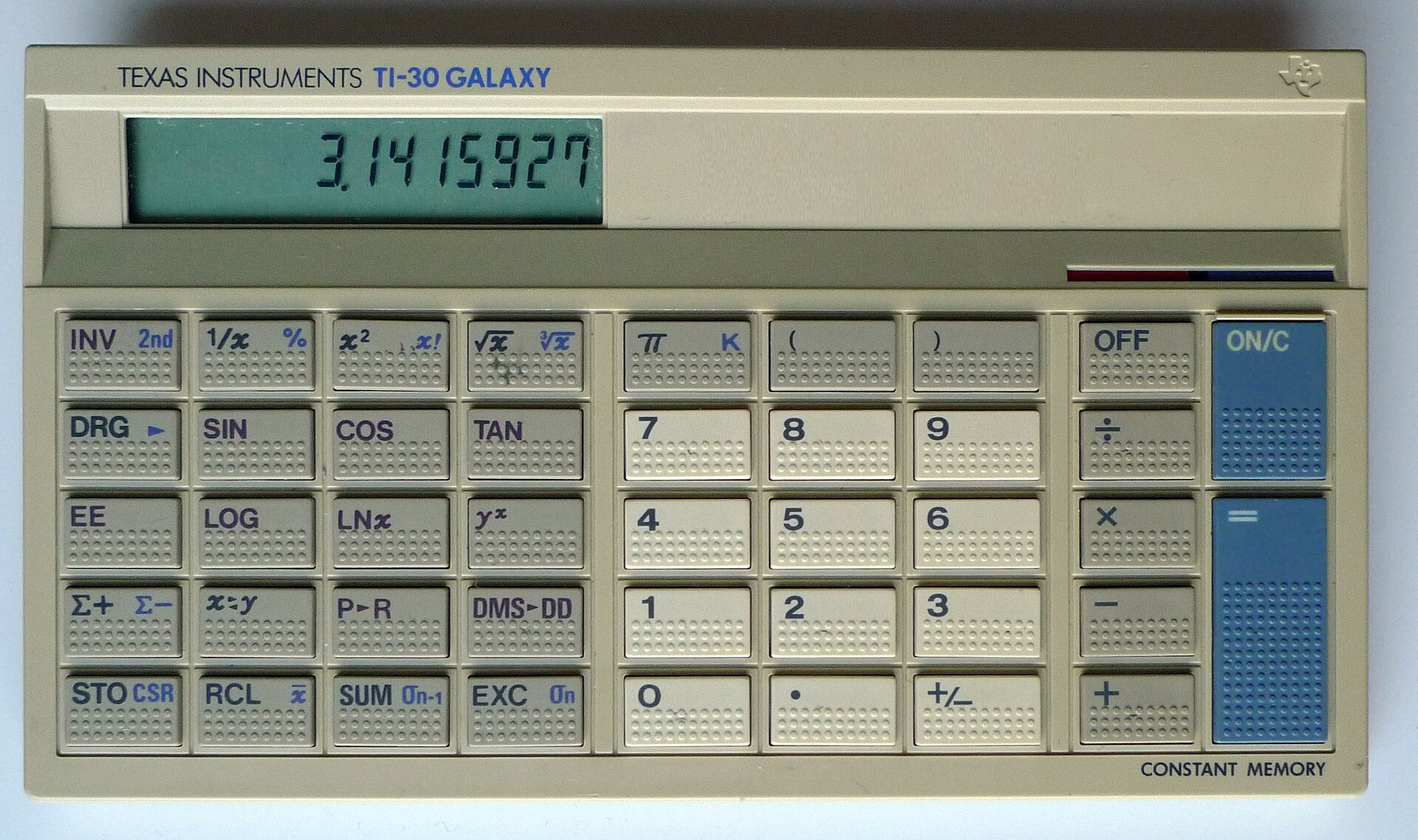
Free Scientific Calculator
Trig, inverse trig, logs, powers, roots and factorials, in degrees or radians. The main tool of this category.
Open →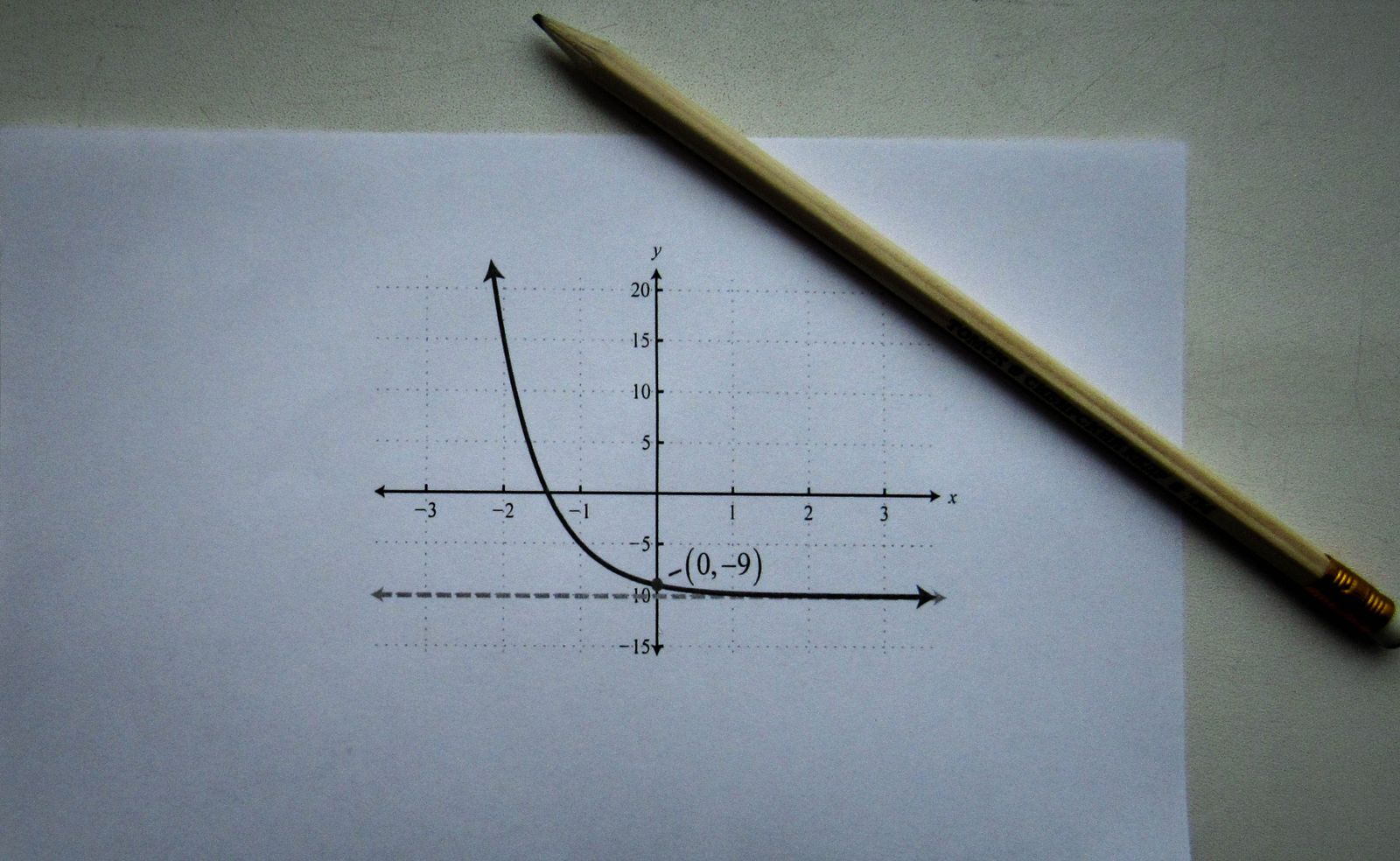
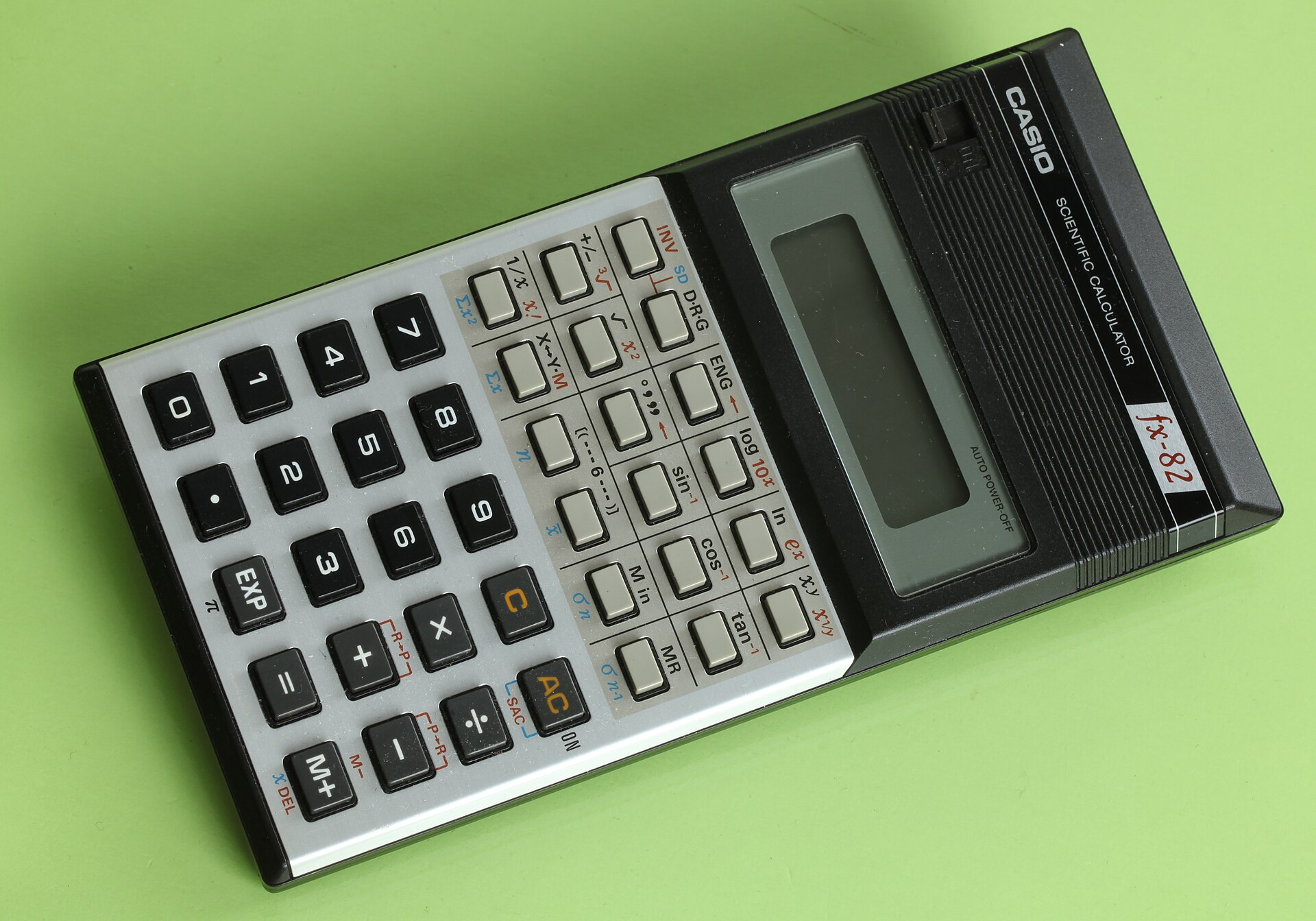
Free Graphing Calculator
Plot the functions you evaluate — waves, exponentials and growth curves, with value tables.
Open →
Free Statistics Calculator
Means, standard deviations and regression for lab data and experimental results.
Open →Card photos: Joost J. Bakker / Wikimedia Commons, CC BY 2.0 · Sergey Meshkov / Pexels, Pexels licence · Lukas Blazek / Pexels, Pexels licence
The functions, and where each course uses them
| Function | Where it appears |
| sin, cos, tan | Forces, waves, alternating current, surveying, orbits |
| asin, acos, atan | Finding angles from ratios — directions, slopes, phases |
| log, ln, exp | pH, decibels, growth and decay, compound processes |
| Powers and roots | Areas, volumes, inverse-square laws, standard deviations |
| Factorial (!) | Counting, permutations, combinations, probability |
Degrees or radians — the decision that matters most
Use degrees when the problem states angles in degrees — geometry, surveying, most school trigonometry. Use radians when the problem uses π, when you graph trig functions, or when you do calculus, where the derivative rules for sin and cos hold only in radians. The conversion is one multiplication: radians = degrees × π/180. If an answer disagrees wildly with the textbook, check the mode before rechecking the arithmetic — sin(30) is 0.5 in degrees and −0.988 in radians, and both are “correct” for their mode.
Order of operations, done visibly
The free scientific tool keeps the whole expression visible and follows standard precedence: brackets, then powers and roots, then multiplication and division, then addition and subtraction, with unary minus binding less tightly than powers so that −2² = −4, the way textbooks read it. When an expression has no real-number answer — the square root of a negative, division by zero, asin outside −1 to 1 — the tool says so in plain words instead of printing a misleading number.
Frequently asked questions
What is the difference between a scientific and a graphing calculator?
A scientific calculator evaluates functions one value at a time: sin, log, powers and roots. A graphing calculator also draws curves and tables. Science courses usually need the scientific set; calculus courses need the graphing set too.
Which exams allow scientific calculators?
The College Board allows a scientific (nongraphing) calculator for AP Biology, Chemistry, Environmental Science and Physics 1, 2 and C. Some exams restrict handheld devices further, so check the current policy for your exam.
Should I use degrees or radians?
Degrees for geometry and problems stated in degrees; radians for calculus, graphs and problems using pi. The conversion is radians = degrees x pi/180. The tool shows its mode beside every answer.
What is the difference between log and ln?
log is base 10: log(1000) = 3. ln is the natural log, base e: ln(e) = 1. Growth, decay and calculus problems usually need ln; scales like decibels and orders of magnitude usually need log.
How do engineers use a scientific calculator?
Constantly: trig for forces and waves, logs and exponentials for growth, decay and scales, powers and roots for geometry and materials. The same function set serves physics, chemistry and engineering coursework.
Why does asin(2) show an error?
Because no angle has a sine of 2: sine values always lie between -1 and 1. An input outside that range has no real angle, so the honest answer is an error, not a number.
Can I type a whole expression with brackets?
Yes. The scientific tool accepts typed expressions such as 2*(3+4)^2 and evaluates them with standard order of operations, showing the full expression so mistakes are easy to spot.
Is a phone calculator enough for science courses?
Phone calculators vary and often hide the angle mode or the expression. A proper scientific tool shows the mode, the expression and the working, which is what coursework marking expects you to be able to check.
Sources
- OpenStax Calculus, Trigonometric Functions (LibreTexts) — radian measure, 180° = π radians, and unit-circle trig definitions.
- College Board, AP Exams Calculator Policy — scientific (nongraphing) calculators allowed for the AP science exams.
Disclaimer: a study guide. The linked tools are homework and revision aids, not approved exam-room devices; check your exam board's calculator policy before exam day.